
每一个灵感,都是新世界的起点。
Scriptory 是一款 AI 驱动的创作平台,帮助创作者记录灵感、构建世界观、塑造角色、推演剧情,并持续创作属于自己的长篇故事宇宙。
Get started free


How it works
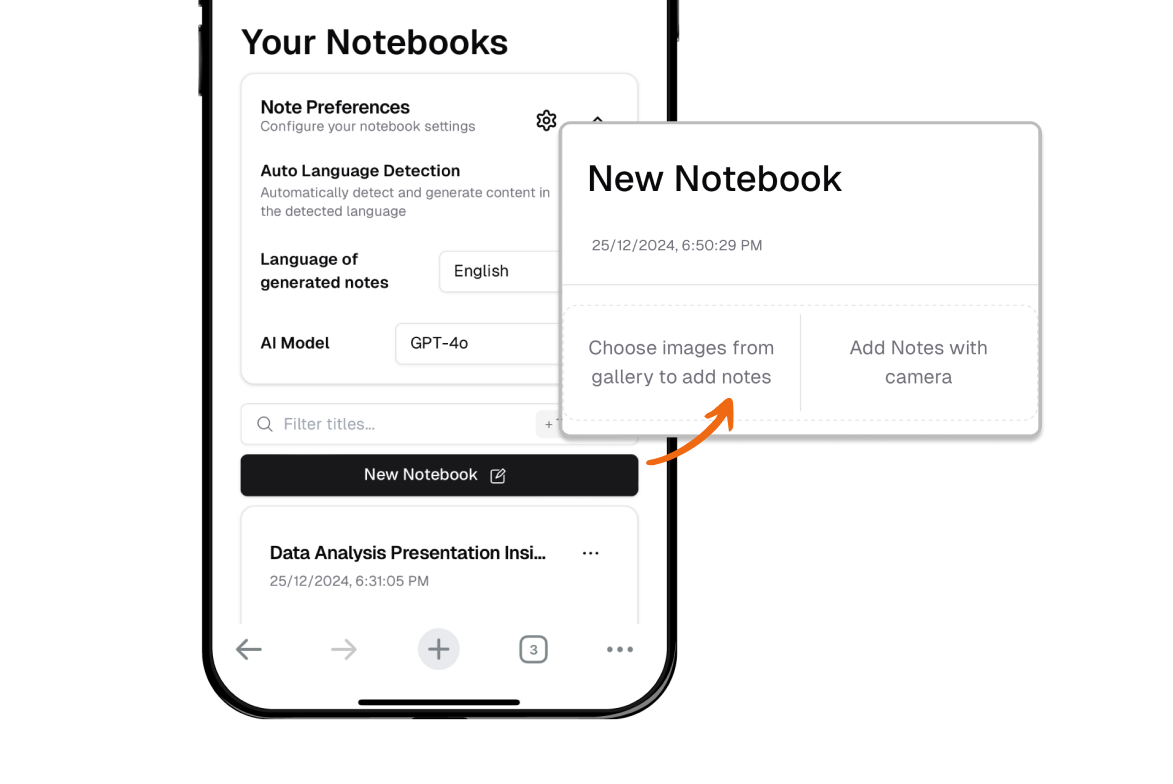
1. Create Notebook
Once you've signed in, the intuitive Scriptory interface welcomes you. To start capturing your classroom content, click on the 'New Notebook' button. Name your notebook to keep your notes organized by subject or topic. This step ensures all your photos and AI-generated notes are stored in one place for easy access later.
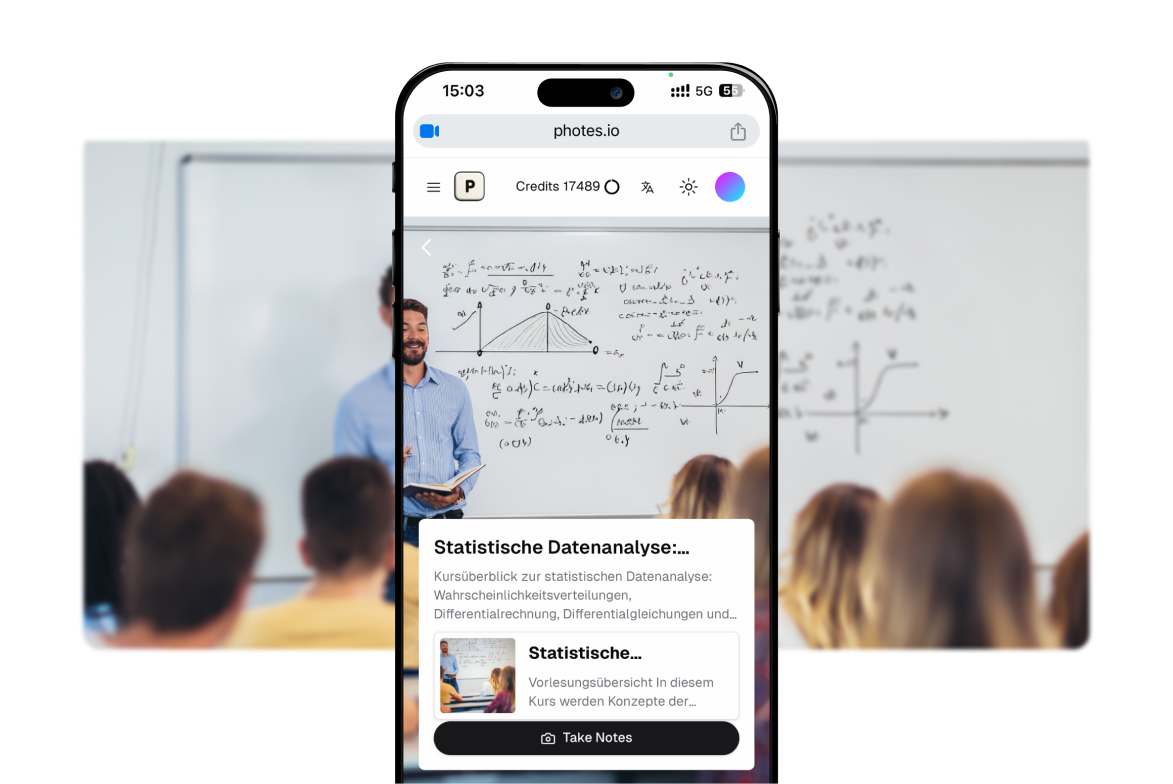
2. Take Scriptory or Import Images
Once you've signed in, the intuitive Scriptory interface welcomes you. To start capturing your classroom content, click on the 'New Notebook' button. Name your notebook to keep your notes organized by subject or topic. This step ensures all your photos and AI-generated notes are stored in one place for easy access later.
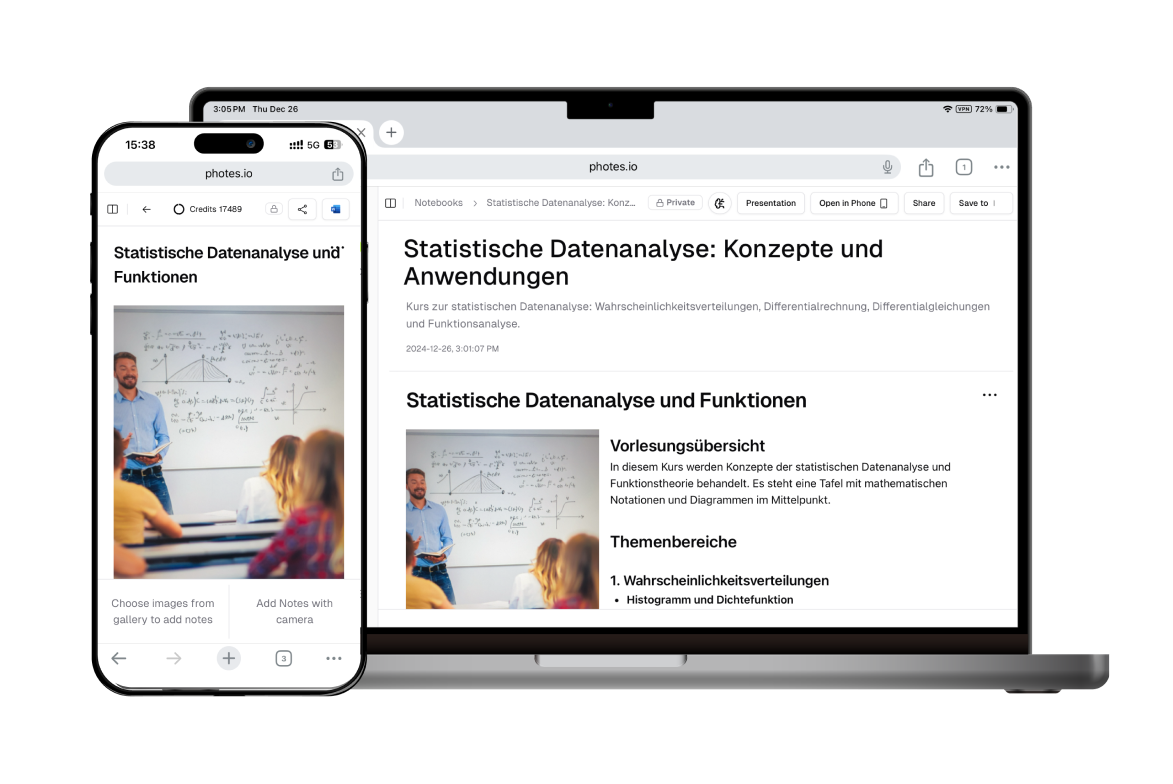
3. Review, Edit, and Export
Once you've signed in, the intuitive Scriptory interface welcomes you. To start capturing your classroom content, click on the 'New Notebook' button. Name your notebook to keep your notes organized by subject or topic. This step ensures all your photos and AI-generated notes are stored in one place for easy access later.
1. Create Notebook
Once you've signed in, the intuitive Scriptory interface welcomes you. To start capturing your classroom content, click on the 'New Notebook' button. Name your notebook to keep your notes organized by subject or topic. This step ensures all your photos and AI-generated notes are stored in one place for easy access later.
2. Take Scriptory or Import Images
3. Review, Edit, and Export
Images to knowledge
Pixno transforms your smartphone into an AI-powered note-taking tool. Capture, organize, and enhance your ideas—all from your pocket.
Extended Reference from Web
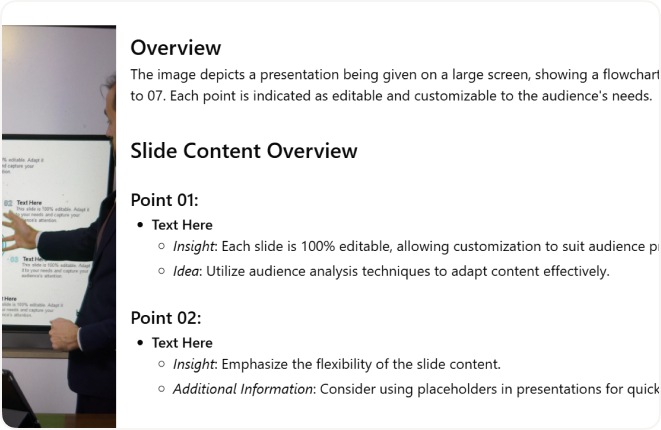
Pixno can understand all kinds of information in your pictures, including text, chart like Venn or statistical graph.
Get started free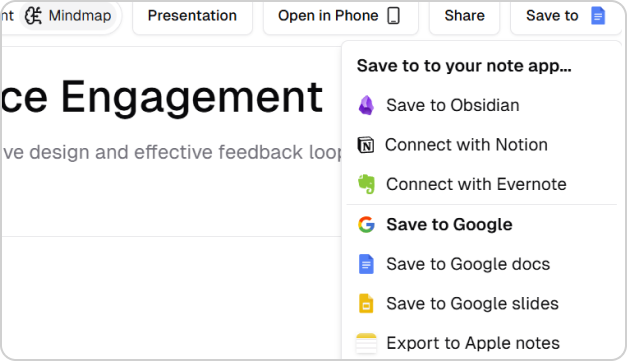
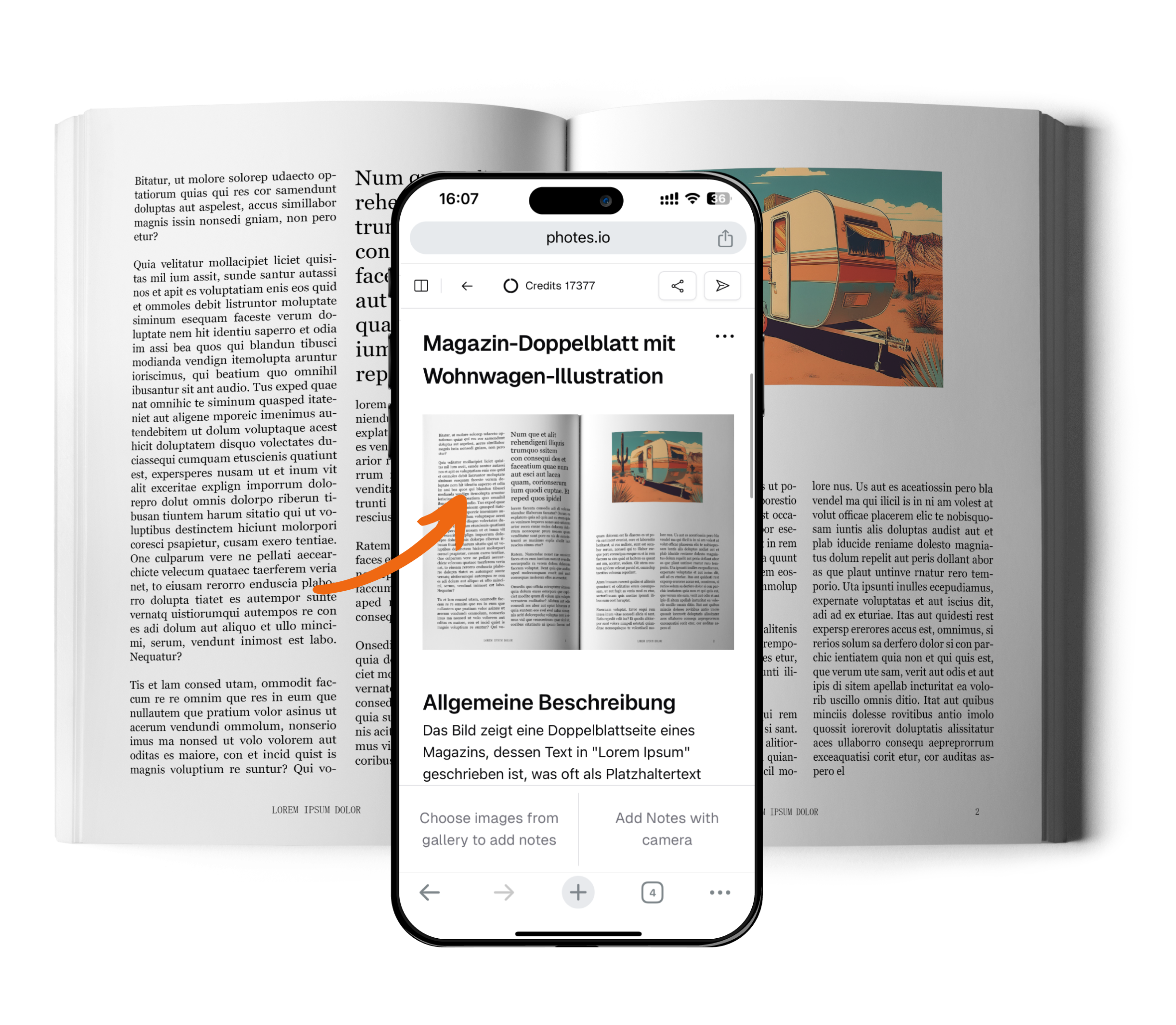
Get More from Your Readings
Pixno can enhance the credibility of generated notes by referencing relevant articles. It also expands your content through web searches.
Seamless Multi-Device Sync
Pixno can understand all kinds of information in your pictures, including text, chart like Venn or statistical graph.
Get started free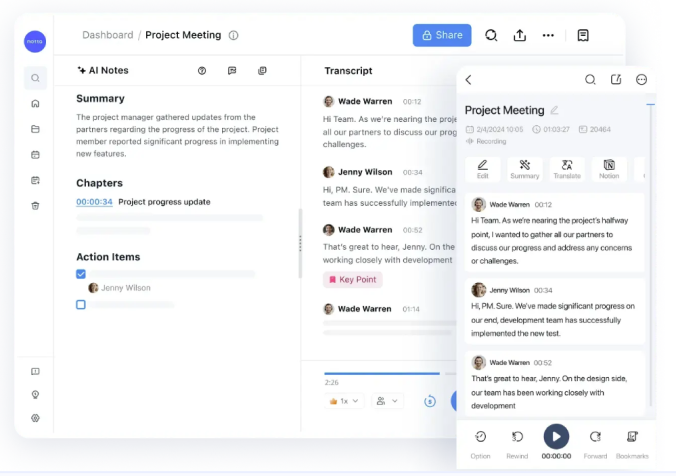
Turn Lecture Slides into Study-Ready Notes
Capture classroom content instantly and transform it into structured text.
Get started free